Driving in Australia?
Learn the road rules in 10 minutes
Running a red light costs A$562 in NSW. Before you drive, practise the intersections visitors get wrong.
A pass for 1 hour, 1 day or 5 days. No subscription.Opens in the browser on your phone or computer.
A moment’s mistake, a hefty fine
Each of these is a single mistake at an intersection. Fines vary by state: choose one to see the official amounts.
- Not stopping at the stop line on a red lightA$562
- Not giving way to oncoming traffic when turning right at traffic lightsA$423
- Not giving way when entering a roundaboutA$423
- Not giving way to a pedestrian on a crossingA$562
Official NSW list of fines, as at 1 July 2025. Amounts can change. Check the current amounts
Training, practice drive, review
Learn how the roads work by driving them, one step at a time.
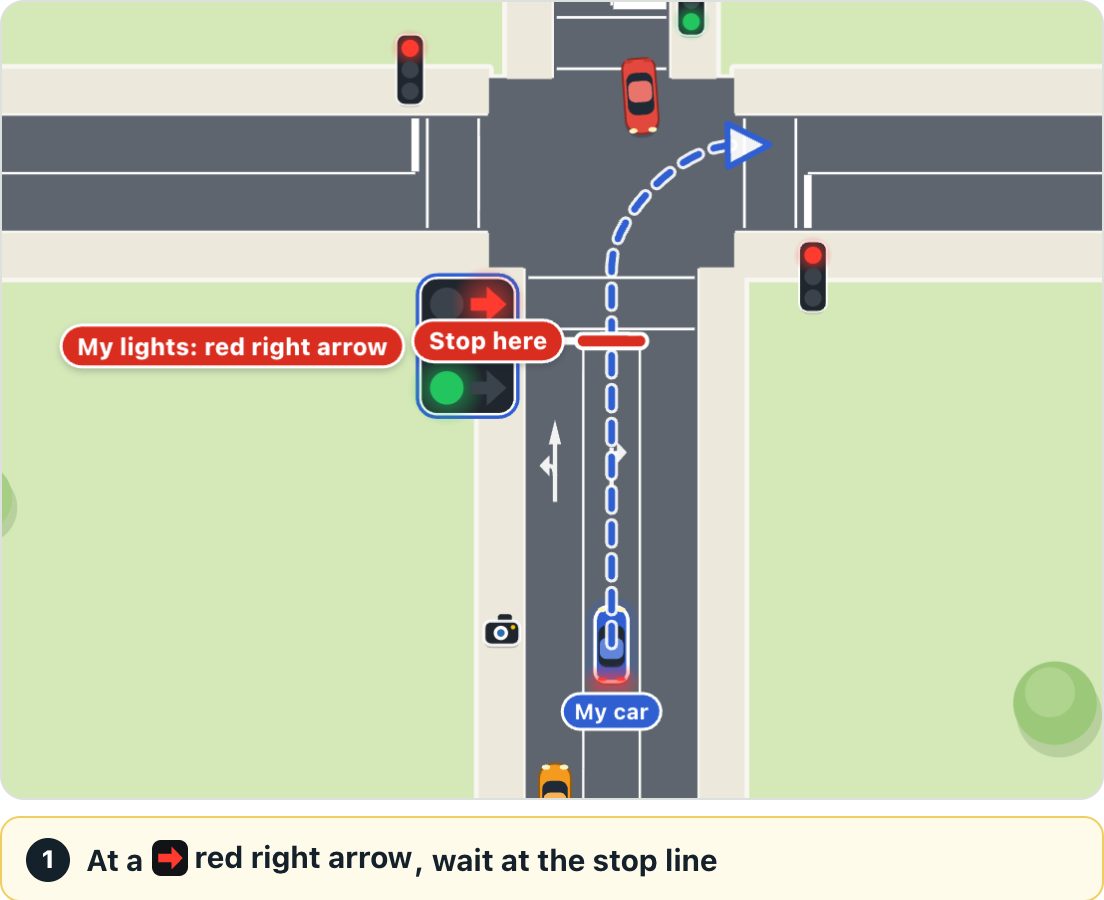
Training
Each situation starts with a view from above showing what to watch for. Then you drive it, and the guide pauses when it’s time to look. The core course is 15 scenes in 10 minutes; the full course takes about 31.
See what to watch for, then drive it.
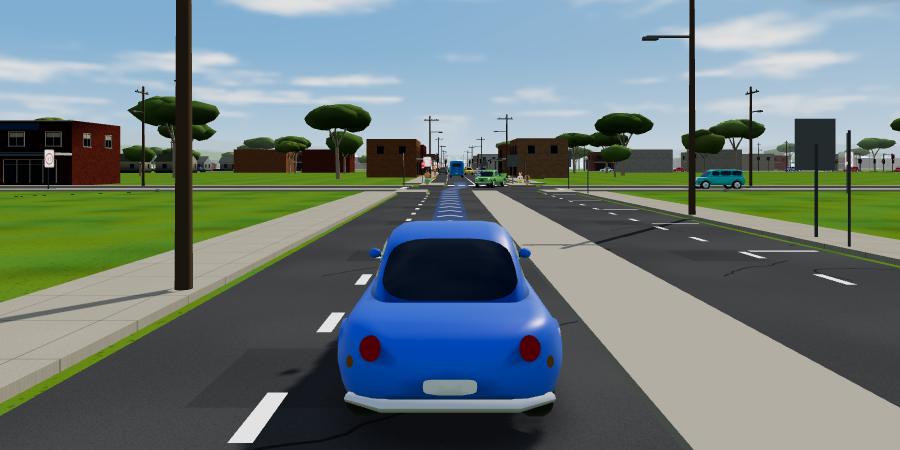
Practice drive
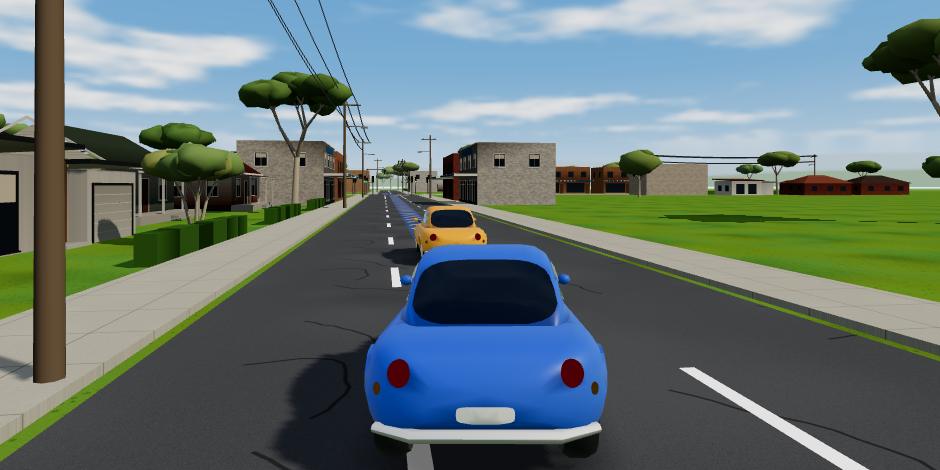
Drive around a town where other cars and pedestrians follow the rules on their own: anywhere you like, or on a set course of 9 intersections and parking.
A town where other cars follow the rules.
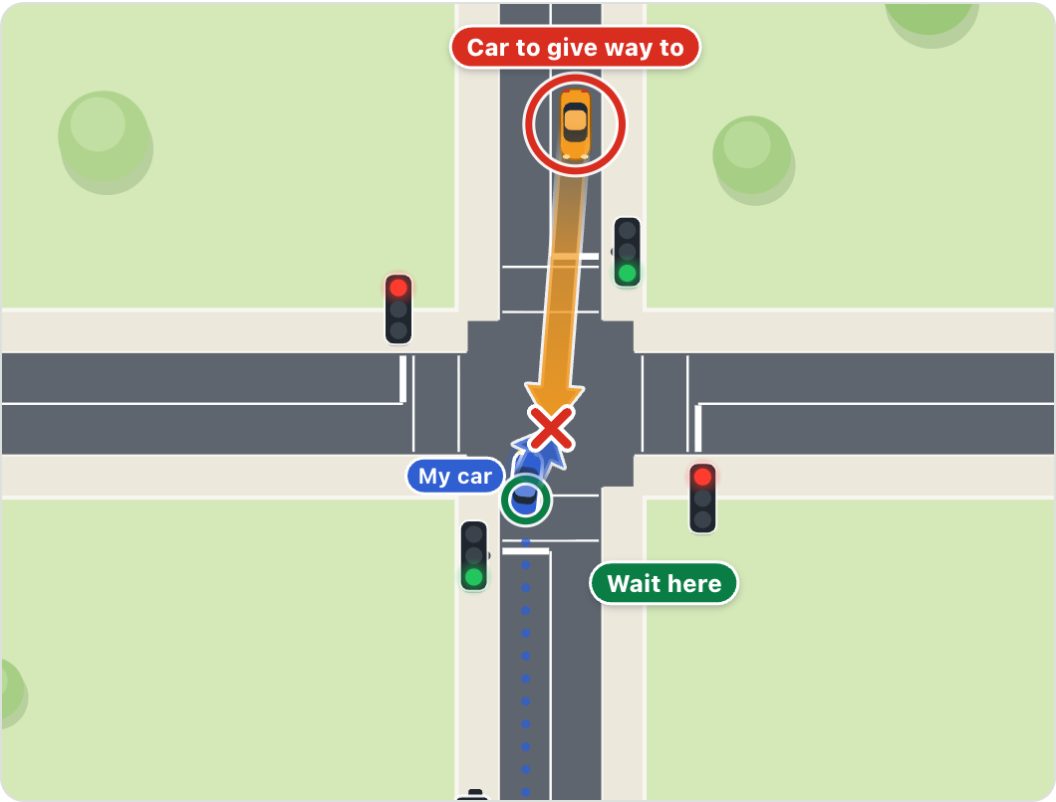
Review
The moment you got it wrong is replayed from above, with the rule and its official source. Drive that scene again until you get it right. Quizzes too: ‘Who goes first?’ (10 questions) and parking signs (18).
Your mistake replayed, with the official rule.
The situations that catch visitors out
Australia drives on the left. 14 situations, split into 40 short drives.
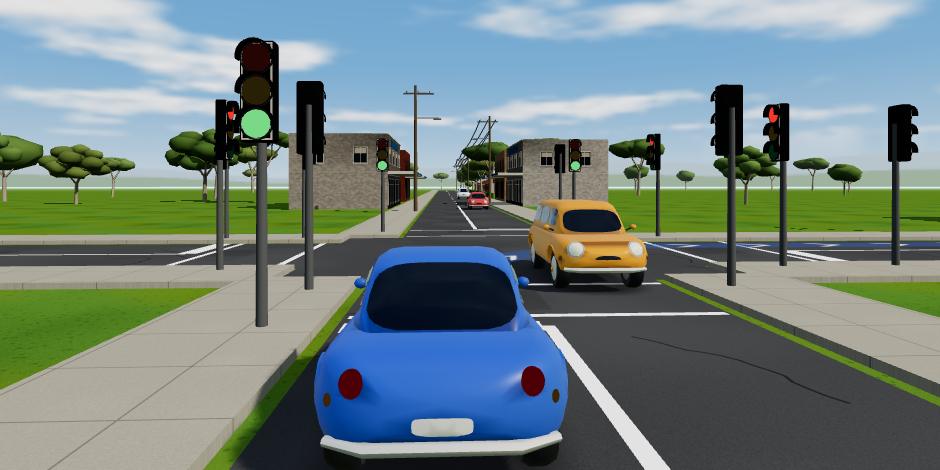
Right turns
Across oncoming traffic: wait for a gap, or for a green right arrow.
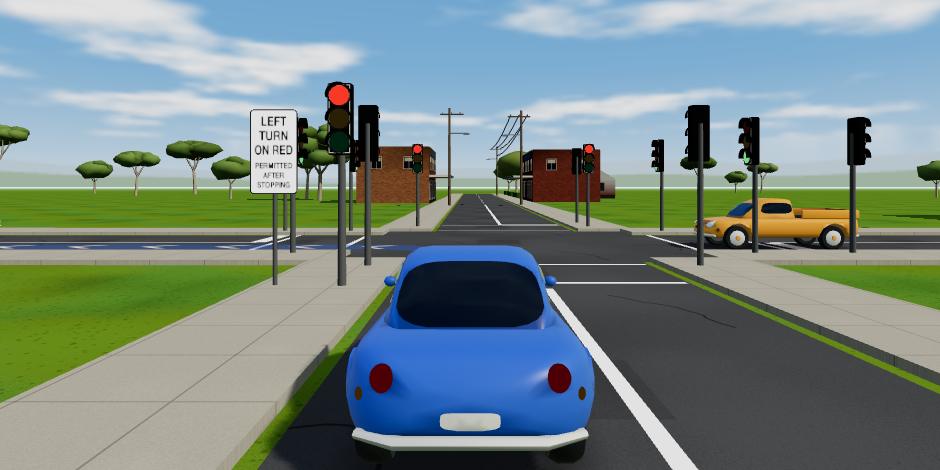
Left turns
Left on red only where a sign allows it, after a full stop.
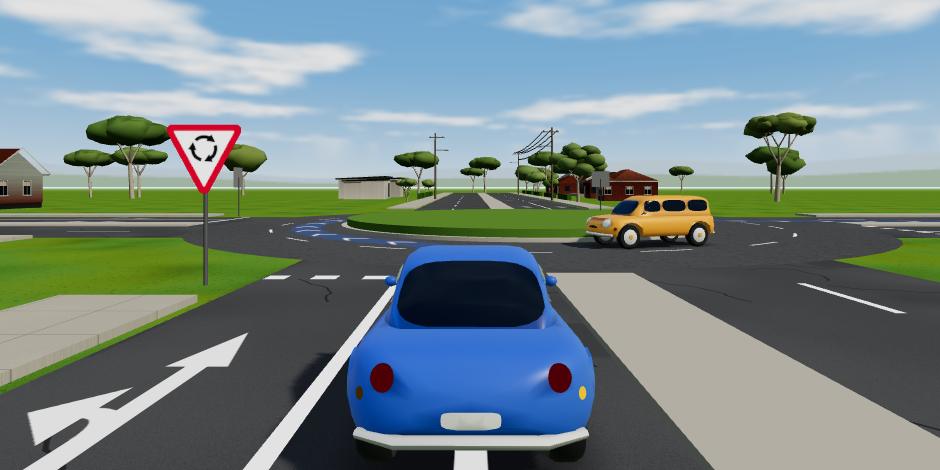
Roundabouts
Give way to everyone already in it. Pick your lane and indicate.
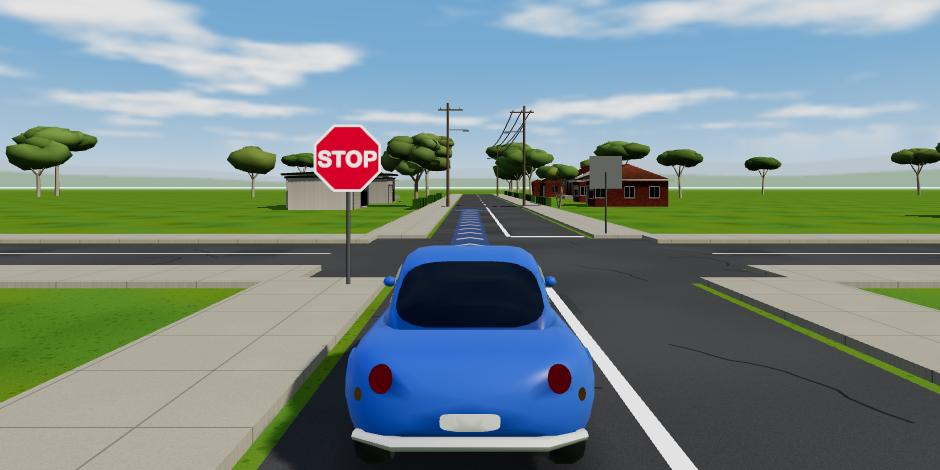
Intersections without lights
STOP and GIVE WAY signs, and T-intersections.
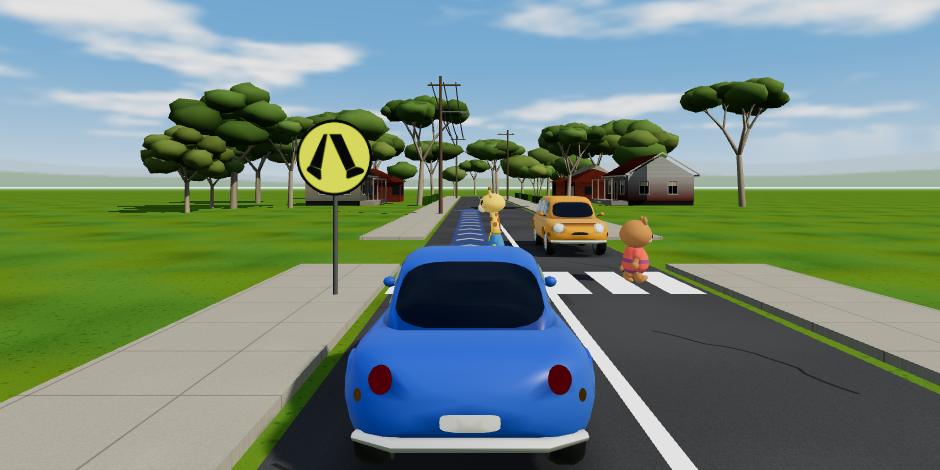
Pedestrians
People crossing the road you turn into, and zebra crossings.
Lanes and entering
Changing lanes, road arrows, no-entry signs, keeping the intersection clear.
Passes
Pay once for the time you need. The clock starts when you pay, and nothing renews.
1-hour pass
A$9.90
Enough for the 10-minute core course and a first drive in town.
- Recommended
1-day pass
A$12.90
The full course (about 31 minutes), the town drives and the quizzes, at your own pace.
5-day pass
A$14.90
Practise again before each drive while you settle in.
- 14 situations in 40 drives (plus 6 optional drives on basic signals)
- Town drives: go anywhere you like, or follow a set course
- Quizzes (‘Who goes first?’, parking signs, test-style questions) and a sign list
- No account needed. Your progress stays in your browser
Payment is handled by Creem, our reseller; tax may be added at checkout, depending on your country. The simulator opens as soon as you’ve paid and closes when your pass ends. Refunds within 24 hours of purchase, only if none of the simulator’s content has been used; email us, quoting your payment number. Refund policy
Questions
Which devices does it work on?
Phones (portrait or landscape) and computers, in an up-to-date browser. Nothing to install. It runs in 3D, so older devices may be slow; if yours is, you can switch off 3D in Settings.
Do I need an account?
No. It opens in the browser you used to pay. On another device, enter the licence key from your receipt email; one key works on up to 3 devices.
How long can I use it?
For as long as your pass lasts: 1 hour, 1 day or 5 days, counted from the moment you pay. When it ends, the simulator closes; buy another pass to keep practising. Your progress stays in your browser.
Which languages is it available in?
English, Chinese, Spanish, Japanese, Korean and Italian. The simulator opens in the language you choose on this page, and you can change it in Settings. Signs and traffic lights look just as they do on Australian roads.
Which states does it cover?
When you open the simulator, you choose where you’ll be driving: New South Wales, Victoria, Queensland, Western Australia, South Australia, Tasmania, Australian Capital Territory and Northern Territory. Rules that are the same everywhere are practised the same way; where your state differs, you get its own lessons, fines and official sources. You can change the state in Settings.
Is this an official government app?
No. LaneSim is a learning aid and has no connection with any Australian government. On the road, always follow the signs, signals and police directions, and the latest official guidance from your state or territory.
Will it get me through a driving test?
We can’t promise that. It’s practice for people who already drive and want to get used to how traffic works in Australia.
Can I get a refund?
Yes, within 24 hours of purchase, as long as none of the simulator’s content (a training scene, a drive, a quiz or the sign list) has been used. Requests are by email only: include your payment number, which starts with ‘ord_’ and is on your receipt and in the simulator’s Settings. See the refund policy for details.